Practical tips · June 28, 2026
Ride and Delivery Apps in Chiang Mai: Your Survival Guide
By The Ada House team
A few apps quietly run daily life in Chiang Mai, and getting them onto your phone in the first day or two will save you more hassle than almost anything else you pack. They summon a car or a motorbike to your door, deliver dinner from the night market, restock your fridge, and let you pay without a single word of Thai. Here's how the ones that matter actually work, and where the old-fashioned red trucks still win.
Grab: the app to download first
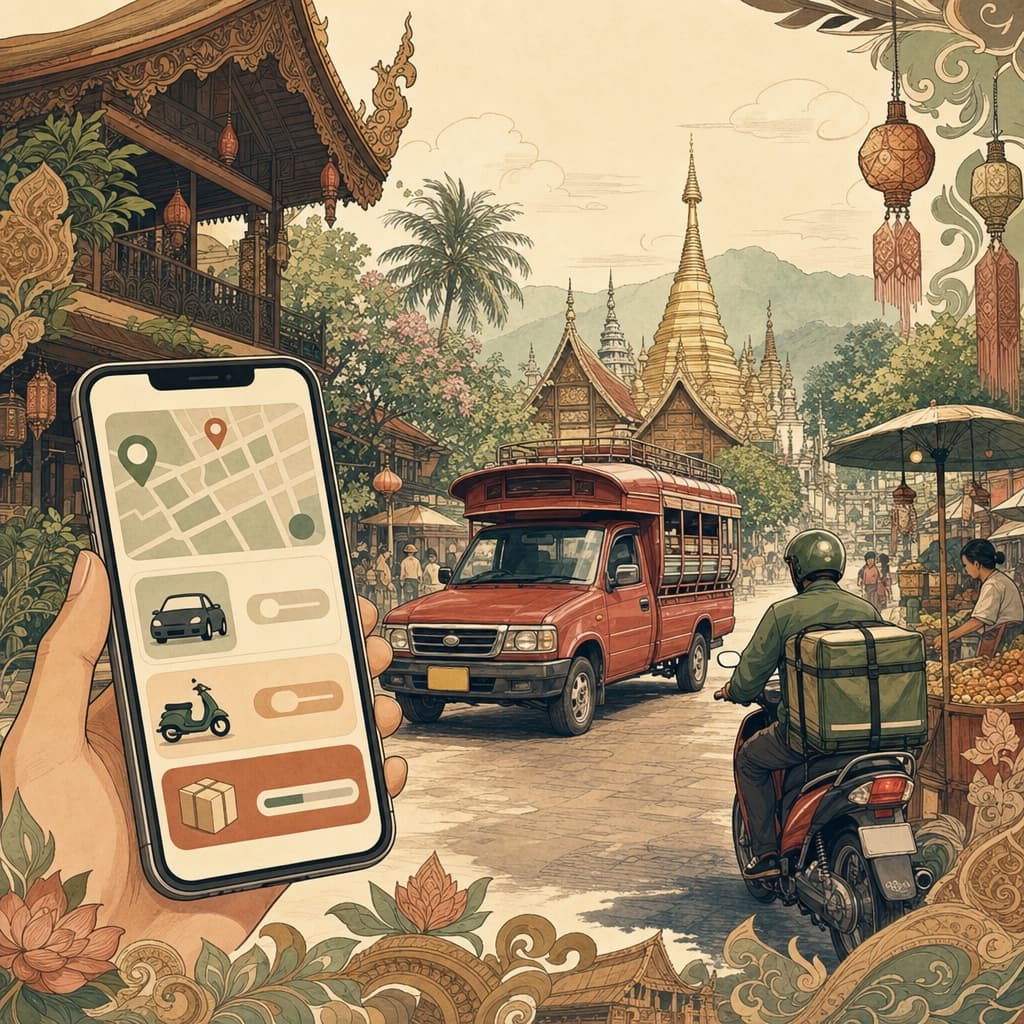
If you install only one thing, make it Grab. It's the region's super-app, and in Chiang Mai it does far more than rides — though rides are where most people start. Open it, drop a pin where you are, set your destination, and you'll see a fixed price before you confirm, which quietly removes the haggling that used to define getting around here. You can book a private car, an economy car, or — brilliant when you're solo and the traffic is bad — a motorbike taxi, where a driver turns up with a spare helmet and weaves you across town for a fraction of the car fare. The same app handles food, groceries and even parcels, so it's worth getting comfortable with early. For the bigger picture on all your options, our guide to getting around Chiang Mai makes a good companion read.
Bolt, and where the red trucks still win
Bolt is Grab's main rival, and the reason it's worth having both on your phone. It tends to undercut Grab on price — often noticeably — but its pool of drivers is smaller, so at busy times you may wait longer or watch a booking get cancelled. The local habit is simple: price-check both, ride whichever is cheaper and available, and lean on Grab when you just need a car to arrive. Both let you choose a car or a motorbike.
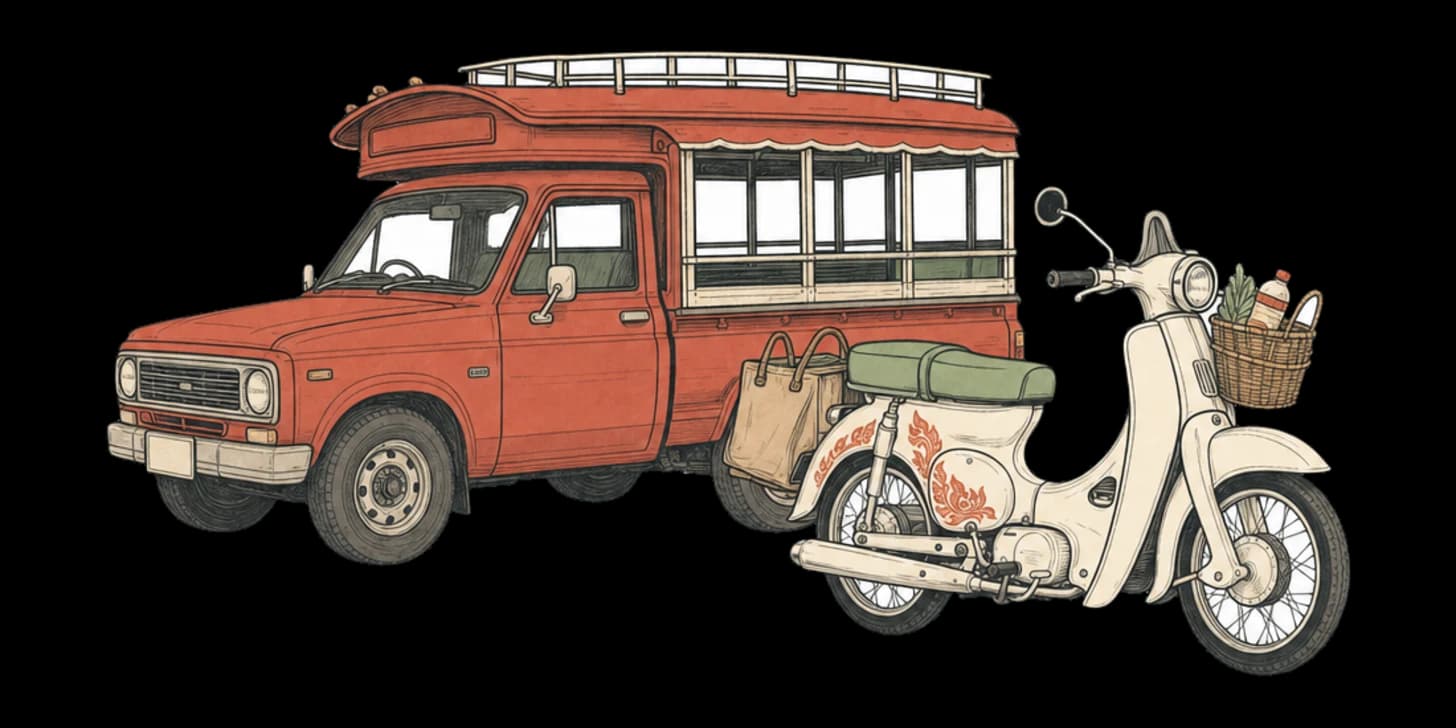
None of this replaces the songthaews — the red shared pickup trucks (locals call them rot daeng) that are part of the city's character. You flag one down, tell the driver where you're headed, and if it suits their route you hop in the back for a small flat fare, often around 30 baht for a short hop. Tuk-tuks are the three-wheelers you negotiate with up front: fun once, pricier than an app, and a place where over-charging happens, so agree the fare before you climb in. Our notes on common scams and on tipping and bargaining will keep you on the right side of it.
Feeding yourself, and stocking the fridge
Food delivery here is excellent, cheap and almost a way of life. Grab Food is the obvious starting point and shares your Grab login, but the local heavyweight is LINE MAN, which often lists more small restaurants and street-food stalls — exactly the places you'll want once you've explored the cheap-eats scene. It runs through the LINE messaging app that everyone in Thailand uses anyway. One honest note: Foodpanda, long the pink-jacketed third option, pulled out of Thailand entirely in 2025, so ignore any older guide that still lists it. Robinhood, a Thai-built app, picked up some of that space but has historically been strongest in Bangkok — check whether it's live in your corner of Chiang Mai before you rely on it.
For groceries, GrabMart brings supermarket and convenience-store orders to your door, usually within the hour — a small luxury on a hot afternoon or a busy working day. Pair it with our groceries guide for where the good stuff is.
The line-up at a glance:
- Grab — rides (car and motorbike), food, groceries, parcels
- Bolt — rides, often cheaper, fewer drivers
- LINE MAN — food delivery, widest street-food coverage
- Robinhood — Thai-built food delivery
- GrabMart — supermarket and convenience-store delivery
How you actually pay
Every app lets you start with cash — choose it at checkout and you simply hand baht to the driver or rider, which is the easiest route in your first week. To go properly cashless, you can link a foreign card, though some overseas cards get declined, or load the in-app wallet (GrabPay) and top it up. Many residents instead use TrueMoney, a local wallet that now lets foreigners register with a passport, or pay merchants by PromptPay QR code once they have a Thai account. Tipping is built in — a small optional add-on at the end of a ride or delivery, never expected but always appreciated for a rider who climbed your stairs in the rain. If you're settling in for the longer term, opening a Thai bank account makes all of this dramatically smoother.
You'll need a SIM, a number and data
None of these apps are much use without mobile data and a local phone number. The number is how a driver calls you when they can't find the gate, and the data is what keeps the map live while you're out and about. Sort a local SIM early — it's cheap, takes minutes at the airport or any 7-Eleven, and our SIM and internet guide walks through the options. Without one, you'll be tethered to café wi-fi every time you want a ride.
Pins beat addresses, and a few small manners
The good news for newcomers: every one of these apps works in English, so you don't need any Thai to use them. The trick locals know is to stop typing addresses — Thai ones are long and easily misread — and instead drop a pin on the map exactly where you are or want to go. It's faster and far more accurate, especially down the city's smaller sois. Add a landmark, keep your phone on, and pickups become painless. A few courtesies go a long way, too: be ready when your driver arrives, a friendly thank-you costs nothing, and rating well genuinely matters to people doing long hours on the road. Learn even a handful of Thai words and the whole thing gets warmer still — but the apps will carry you from day one.
Frequently asked questions
Which app should I download first when I arrive in Chiang Mai?
Make it Grab. It's the region's super-app, and beyond rides it also handles food, groceries and parcels, so it's the one to get comfortable with from day one. Open it, drop a pin, set your destination, and you'll see a fixed price before you confirm — no haggling required.
Is Grab or Bolt cheaper?
Bolt is Grab's main rival and tends to undercut it on price, often noticeably. The catch is a smaller pool of drivers, so at busy times you may wait longer or have a booking cancelled. The local habit is simple: keep both on your phone, price-check the two, ride whichever is cheaper and available, and lean on Grab when you just need a car to turn up.
Is Foodpanda still around in Thailand?
No — Foodpanda, long the pink-jacketed third option, pulled out of Thailand entirely in 2025, so do ignore any older guide that still lists it. For food delivery, Grab Food shares your Grab login, while the local heavyweight LINE MAN usually lists more small restaurants and street-food stalls. Robinhood, a Thai-built app, picked up some of that space but has historically been strongest in Bangkok, so check it's live in your corner of the city first.
Do I really need a local SIM and phone number?
Yes — none of these apps are much use without mobile data and a local number. The number is how a driver calls you when they can't find the gate, and the data keeps your map live while you're out. Sort a SIM early; it's cheap and takes only minutes at the airport or any 7-Eleven.
How do I pay for rides and deliveries?
Every app lets you start with cash — just choose it at checkout and hand baht to the driver, which is the easiest route in your first week. To go cashless you can link a foreign card (though some get declined), load the in-app GrabPay wallet, or use TrueMoney, a local wallet that now lets foreigners register with a passport. Once you have a Thai account you can also pay by PromptPay QR code, and tipping is built in as a small optional add-on.
Do I need to speak Thai to use these apps?
Not at all — every one of them works in English, so you can get around from day one. The trick locals know is to stop typing addresses, which are long and easily misread, and instead drop a pin on the map exactly where you are or want to go. Add a landmark, keep your phone on, and pickups become painless.